What an AI agent can actually do to your property
The HolidayHero MCP server is generally available. The full tool list, the permission model, the audit trail, and an honest account of what is not ready yet.

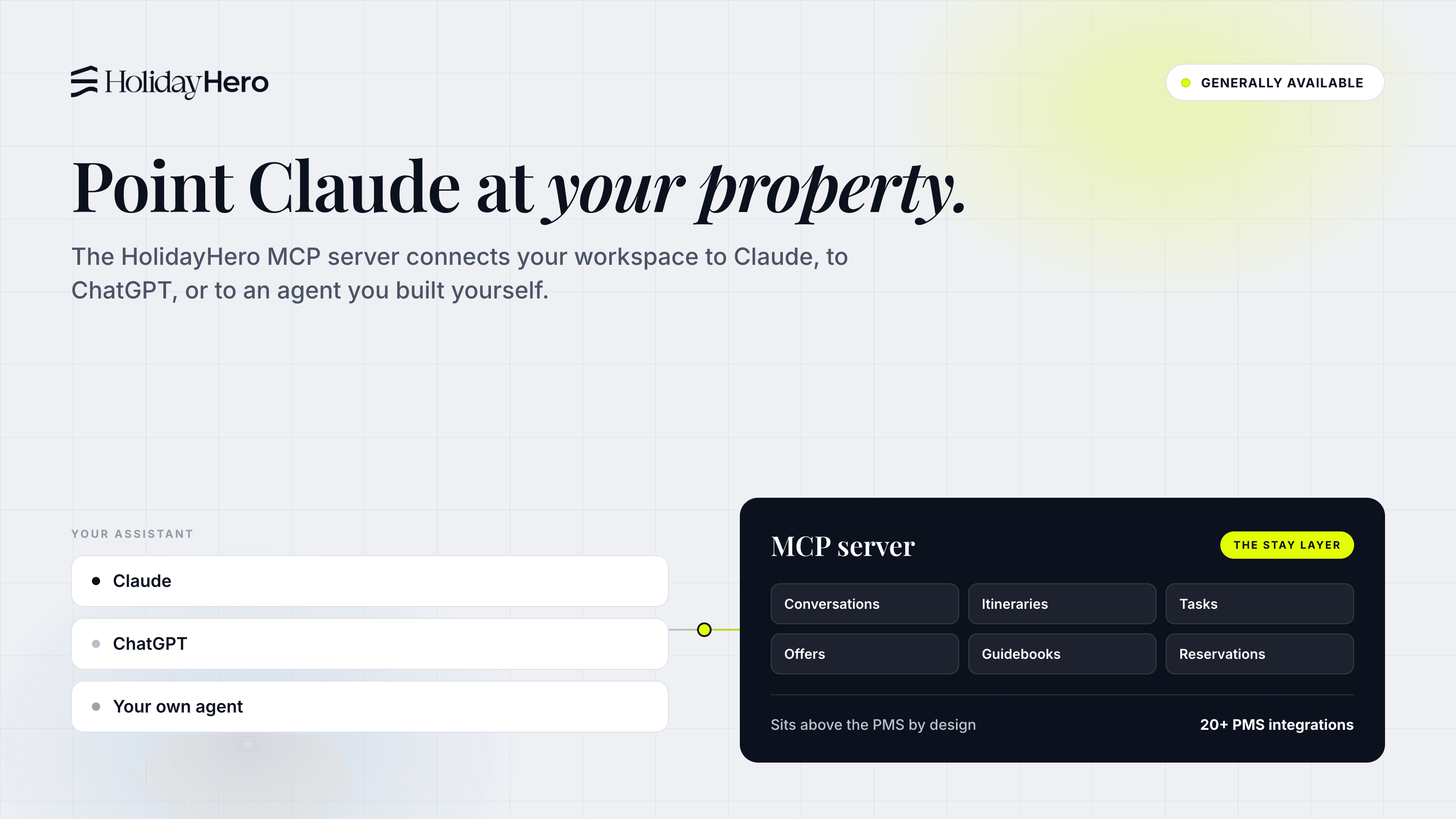
Almost everything written about the Model Context Protocol in hospitality explains what the protocol is. I will do that in three sentences, then spend the rest of this post on the question operators actually ask me: what an agent can do to a live property, and what it cannot.
Today the HolidayHero MCP server becomes generally available. You turn it on yourself, in your admin panel, and it is included in the platform at no extra cost. The full tool list, the permission model and the connection steps are published at support.holidayhero.com/api/mcp, with no form in front of them.
This is the largest surface we have ever opened. Not a read-only window onto reservations. Close to the whole admin panel, as tools.
The Model Context Protocol, in three sentences
The Model Context Protocol is an open standard for letting an AI assistant call tools inside somebody else's system. A vendor runs an MCP server that publishes a list of tools; an operator connects an assistant and it calls those tools on their behalf. That is the whole idea.
The protocol is not the interesting part. The tool list is.
What operators asked for first
We opened this to a handful of customers before today, and the first requests were not what I expected. Nobody asked for an autonomous concierge. They asked for the jobs nobody wants.
"Find the reservations arriving this week with no phone number on them." A booking with no mobile number cannot be sent a check-in link, a door code or a WhatsApp message. Nobody notices until the guest is standing outside. The agent reads the week's arrivals through reservation_list, returns the gaps, and opens a task against each one with task_create.
"Write the shift handover." At present this gets written at the end of a long shift by somebody who wants to go home, which is exactly when it gets written badly. The agent reads the day through conversation_list and task_list, checks what is still outstanding in checkin_list, and drafts the handover for the duty manager to correct rather than compose.
"Build my monthly report." Someone does this in a spreadsheet on the first Monday of every month. The agent pulls the month across reservations, check-ins, tasks and experiences, and writes it up.
None of these are new capabilities. Every one is something the platform already holds, and something a member of staff already does by clicking. What the MCP server changes is who clicks.
What an agent does on a Tuesday morning
Reception opens at eight. The agent starts at seven, on the overnight queue.
Every conversation from email, guest app chat, SMS and WhatsApp arrived in one filterable queue while the property slept, the reservation shown alongside each thread. Our own AI answered 94% of them without a person. The agent reads that queue with conversation_list the way a duty manager would. The remainder splits in two.
Some conversations were handed to a person on purpose. Those arrive with an internal note our AI has already written: what the guest asked, what was tried, what needs deciding. The person picking it up inherits context rather than scrollback. So does an agent. It reads the note, checks the reservation, and either drafts a reply for the duty manager or sends one with conversation_message_send, depending on how much rope you have given it.
The second kind is the one I would keep if I could keep only one.
When our AI cannot answer a guest's question, it does not bluff and it does not simply escalate. It creates a task: extend the guest app content so the next guest who asks gets a real answer. Whether the car park barrier needs a code after midnight. Which of the two beaches has a lifeguard in September. Over a month those tasks become an unusually honest document. A list, written by your guests, of everything your property has never quite explained. It is never urgent, nobody reaches it, and it is why the same question keeps arriving.
An agent connected over MCP can work it. It reads the open tasks with task_list, reads the conversation behind each one, drafts the missing section with guidebook_update, and leaves a note on the task with task_note_create for a person to approve. The gap closes itself, at a speed nobody has the afternoons for.
Your own AI can work the queue of things our AI did not know. That is the argument I would lead with if I were explaining this internally.
The full tool list
The canonical version lives at support.holidayhero.com/api/mcp and stays current as the server changes. Here is the shape of it.
| Area | What an agent can do |
|---|---|
| Listings | listing_list, listing_get, listing_create, listing_update, plus attach tools for amenities, guidebooks, experiences, announcements and smart devices, section updates, images and documents |
| Reservations | reservation_list, reservation_get, reservation_create, reservation_update, and document tools |
| Check-ins | checkin_list, checkin_get, checkin_update, checkin_mark_no_show, checkin_unmark_no_show |
| Guest invitations | invitation_list, invitation_get, invitation_create, invitation_update, invitation_delete |
| Conversations | conversation_list, conversation_get, conversation_message_send, conversation_update |
| Tasks | task_list, task_get, task_create, task_update, task_note_create |
| Amenities | amenity_list, amenity_get, amenity_create, amenity_update, amenity_delete, images and documents |
| Guidebooks | guidebook_list, guidebook_get, guidebook_create, guidebook_update, guidebook_delete, images and documents |
| Announcements | announcement_list, announcement_get, announcement_create, announcement_update, announcement_delete |
| Calendar events | calendar_event_list, calendar_event_get, calendar_event_create, calendar_event_update, calendar_event_delete, images and documents |
| Experiences | experience_list, experience_get, experience_create, experience_update, experience_delete, experience_host_note_create, images and documents |
| Experience products | experience_product_create, experience_product_update, experience_product_delete, experience_products_reorder, field tools, vat_rate_list |
| Places | places_search, place_get |
| Brands | brand_list, brand_get, brand_create, brand_update, brand_delete, brand_art_direction_detect |
| Uploads | upload_target_create |
Read that list properly before you connect anything. It creates, updates and deletes. An agent that can write a guidebook can also delete one. This is a working surface, not a viewing gallery, and it should be granted the way you would grant a new member of staff access on their first morning.
The permission model
There is no second permission system to learn, and that is deliberate.
Being an operator is not enough. An operator has to be added explicitly as an MCP user before they can create a connection at all. Nobody gets AI access by default because they happen to have a login.
The agent runs on that person's permissions. Every call is checked against exactly the same rules as the admin panel. If a change would be rejected in the panel, it is rejected for the agent. Nothing is waved through because it arrived over MCP.
One connection, one workspace. A client connected to workspace A cannot see workspace B, even when the same operator belongs to both.
Tool access is not scoped per connector. A connected client can reach every tool in the list above, with each call checked against the operator's permissions. If you want an agent to do less, give it the credentials of someone who can do less. Narrowing tool access per connector is the next thing on this list, and I would rather say that plainly than let anyone assume it already exists.
If your team cannot do it, the agent cannot either. That is the whole model.
The audit trail
Every tool call is written to an audit trail, successful or not, with the tool, the connector it came through, its input and how long it took. Nothing happens invisibly.
One honest limitation: that log is not yet surfaced in the admin panel. If you want to review it today, ask support and we will pull it. Putting it in the panel is close, and it should have shipped alongside this. It did not.
Turning it on
Three steps, and nobody here is involved.
- Admin panel, MCP page, Enable. Copy the Endpoint URL.
- Create a connector, named for the client and device it belongs to. Copy the Client ID and Client secret. The secret is shown once and cannot be recovered, only replaced.
- In Claude, open Settings → Connectors, add a custom connector with the endpoint URL, and authenticate with the ID and secret.
Claude is currently the only client whose sign-in callback is allow-listed. Others will work as soon as their callback matches, and we will say so here when they do.
Then ask it for tomorrow's arrivals, and see what comes back.
What broke
We built MCP servers for ourselves long before we built one for customers. Our product board, our sales pipeline and our marketing site all run through them, and going back to clicking started to feel absurd.
It has not been clean. An agent working our own product board was asked to tidy a backlog and archived a column of work that was still live, because a filter I had written returned more than I intended. Nothing was lost and the audit trail showed exactly what had happened. But it was our board rather than somebody's property, and it settled an argument internally.
The protocol was the easy part. About a week. The hard part was deciding what an agent should be allowed near, and there is no specification for that. It is a judgement about your own business, made one tool at a time, and you find out you got it wrong by watching it go wrong.
What is not ready
Three things, so you hear them from me.
The audit log is not in the admin panel yet. Per-connector tool scoping does not exist, so today the model is the operator's permissions and nothing finer. And the agent has no event triggers: it acts when you ask it to, so it cannot wake up because a guest message arrived. That last one matters most, because working the content-gap queue is exactly the job you would want running on its own. Today you still have to ask.
All three are on the list. When they ship they will appear here, the week they ship, like everything else.
Frequently asked questions
What is an MCP server, and why would a hotel want one?+
Can I connect my property to Claude or ChatGPT?+
Is it safe to give an AI agent access to guest data?+
Hjalte is CEO and co-founder of HolidayHero, an Amsterdam-based platform that runs the whole guest stay for hotels, holiday parks, hostels, aparthotels and short-term rentals. He also runs a rental property himself, which is a decent cure for building features nobody asked for. Most of his writing here is product: new integrations, guest registration and compliance work, and the reasoning behind decisions that show up in your account a few weeks later.
Keep reading